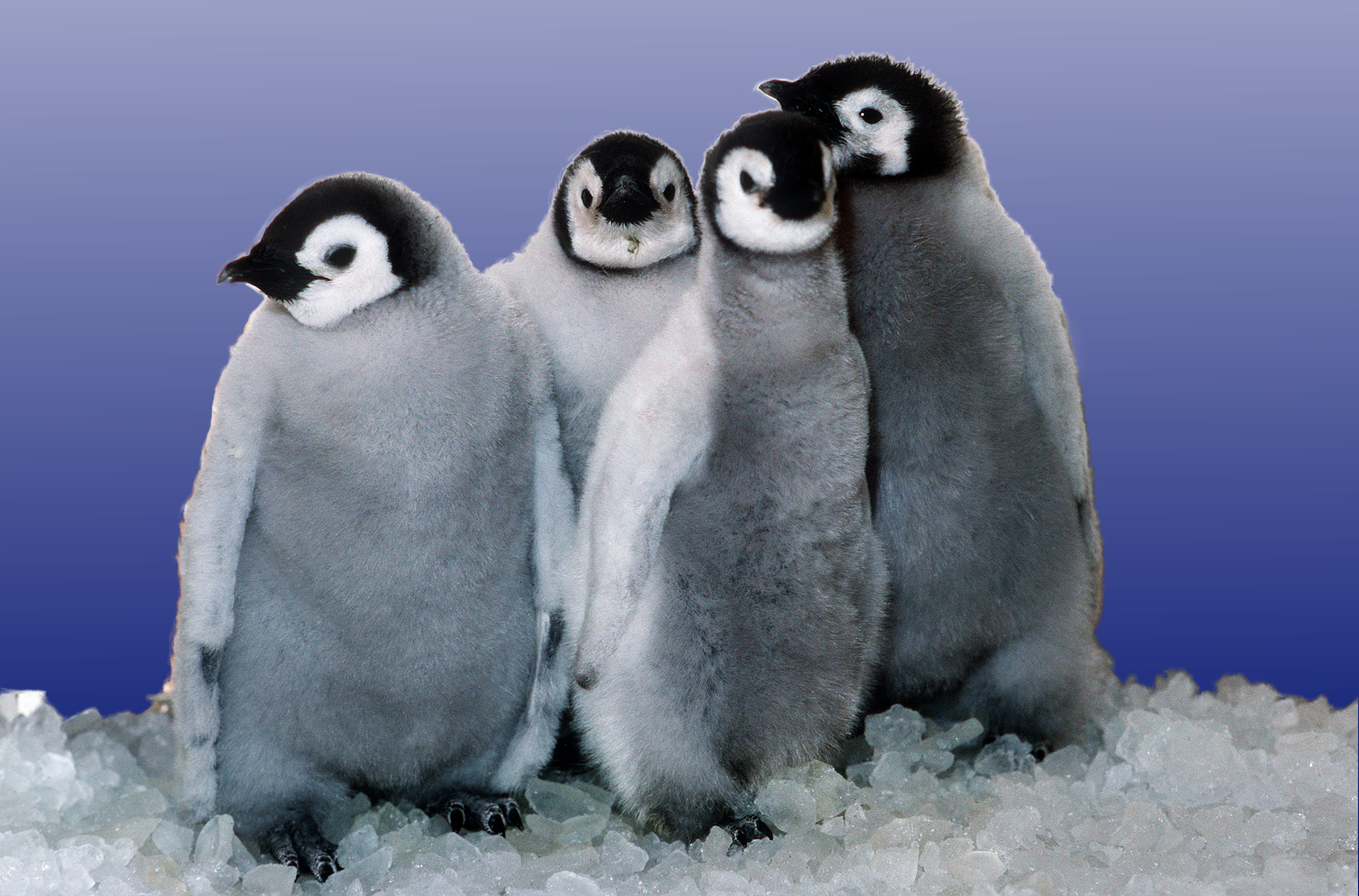
Here is my first attempt at:
1) finding an image online though google advanced search that is "legal" meaning it's free to use and share.
2) running this image through tineye.com to make sure it really is one that I can use.
3) trying to figure out the correct way to cite it.
I was particularly interested in penguins because we do a month long unit on the polar regions with our first graders (fittingly, in January). As you can imagine, first graders are fascinated by penguins. They are just plain cute, but there is also such a wide variety of them in the world. I realized (much to my dismay) that we've been using all kinds of cute images of penguins without properly citing them. That will change next year!
With these images, the children can do so many activities - such as sorting by location, size, etc. We usually have the children work in pairs to create their own life-size penguins. We hang the children's drawings with the actual image of each penguin in our hallways. Again - we'll need to be sure to cite these images next year. The children could also display some of the information they've learned about penguins with Big Huge Labs.
I also found Foldplay intriguing for so many activities in the classroom. It could be a fantastic way to get children to write stories (particularly those reluctant writers). The children could take pictures and then use those pictures via Foldplay to tell a story (fiction or non-fiction). We could also use take pictures on a field trip and then retell what we did/learned on the trip via Foldplay.
An application like Image Chef is one that my first graders would love. With its large image and limited text, it would help children get down to the "gist" of an image's meaning. I'm thinking about Halloween. Our first graders arrive at school in costume for a big costume parade (it's quite a scene - all the parents and older children line the sidewalks to see the kindergartners and first graders). We could use their individual pictures in costume to encourage the children to create short, descriptive "blurbs" about their costumes (similar to what I did with an earlier blog post and my dog, Henry).
I must admit...I'm excited to try these out next year!

Hmm, what's tineye.com? I'm not familiar with it and I don't know if I missed in our materials or if it's something you found on your own?
ReplyDeleteJessica - I found out about tineye.com through the sandbox. There's a short, really handy video about how to do an advanced google search for images. It's really helpful!
ReplyDelete